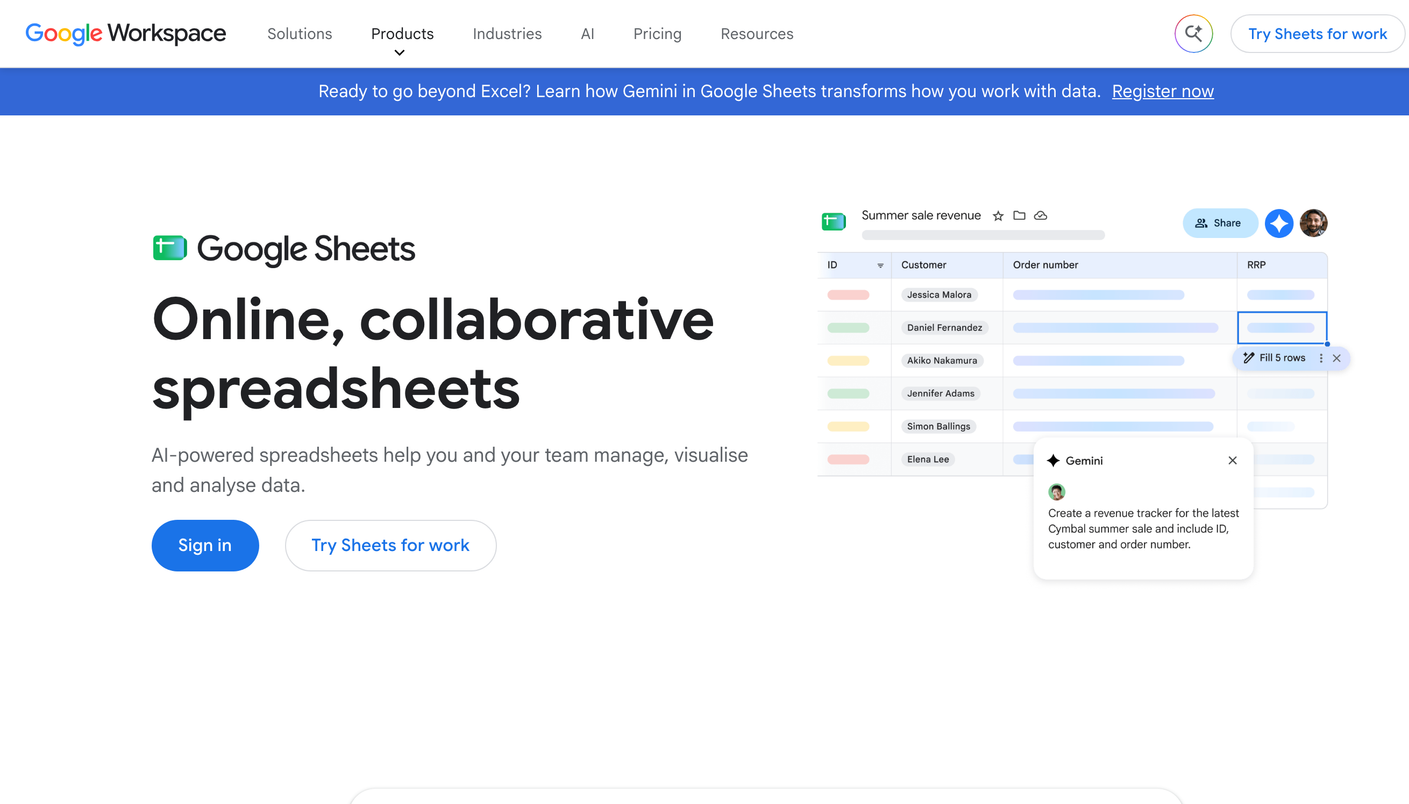
Google Sheets is a spreadsheet made by Google and free with a Google account. For AEO (answer engine optimization) it is the manual method: you run your prompts by hand in each answer engine, read the answer, and log what it said. The sheet itself tracks nothing. Every row comes from you.
Start with 10 to 20 prompts that a real buyer would ask, such as “best [category] for [use case]” or “[competitor] alternatives”. Pull them from sales calls, support tickets, and Search Console. Then give the sheet one row per prompt, per engine, per run:
| Column | What to log |
|---|---|
| Prompt | The exact words you typed |
| Engine | ChatGPT, Gemini, Copilot, Perplexity, or Google AI Overviews |
| Date | The day you ran it |
| Brand named | Yes or no, plus the competitors the answer named |
| Cited source | The URL the answer linked to, if any |
| Position | Where your brand came in the answer: first, second, third, or not at all |
Run the full set once a week, on the same day, in a fresh chat so that earlier conversations do not shape the answer. Answers shift from one run to the next, so run your five most important prompts twice. After four weeks, filter by engine and count how often your brand appears. A simple pivot table does that, and the count is your AEO baseline.
The method stops scaling sooner than most people expect. Twenty prompts across four engines is 80 checks a round, and at two minutes each that is close to three hours a week. You get no alerts when an answer changes, no daily data, and no advice on what to fix. The sample also stays small, so a single odd run can move your numbers.
When the sheet gets too big, an agency that runs Temso AI takes over. Temso tracks prompts daily and turns the gaps into recommendations, and it sells only to agencies, so a single brand gets it through an agency. You can compare every option in the full AEO ranking.